
A trucking operation lives or dies on three questions: where is every load, what is it costing, and which truck is ready to roll. RouteNexa answers all three from one control centre — live loads on a map, fuel prices along the route and the health of the whole fleet.
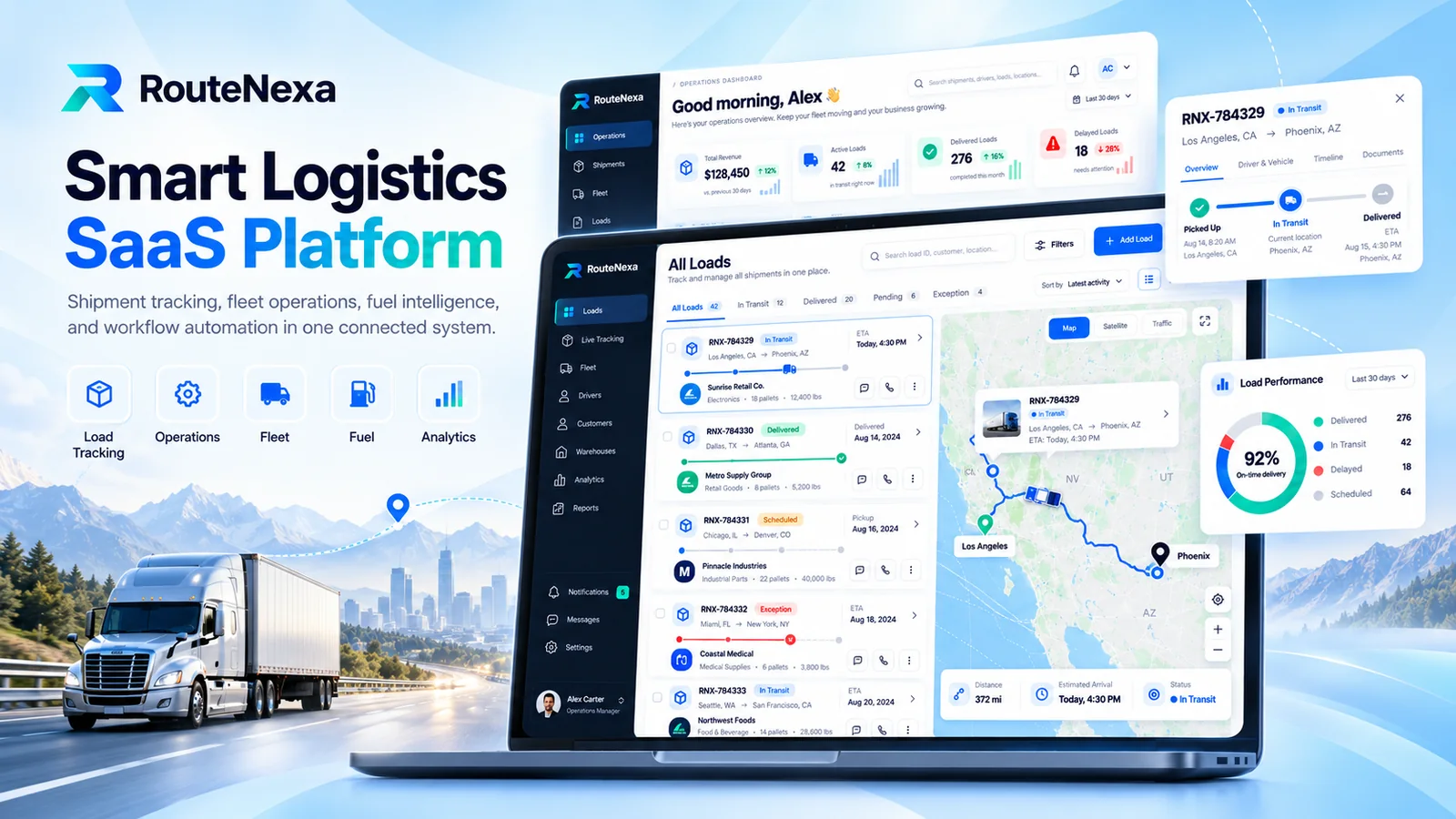
Product screens shown with demo loads, customers, drivers and figures.
In many trucking businesses, dispatch tracks loads over phone calls, fuel prices sit in a separate app and truck maintenance lives in a spreadsheet. Customers call to ask where their shipment is, fuel gets bought wherever the driver happens to stop, and a truck going out of service is noticed only when a load has no vehicle. The platform had to bring operations, fuel and fleet data into one place.
A web SaaS platform with an operations dashboard, a loads module with live map tracking and delivery timelines, step-by-step shipment creation with multiple stops, fuel pricing with discounts and rebates, fuel cards and transactions, a fleet asset register with maintenance status, and a notification center where each team chooses which alerts reach them by email or mobile.
Every module shares the same navigation and the same live map, so a dispatcher can go from a delayed load to the truck behind it in one click.
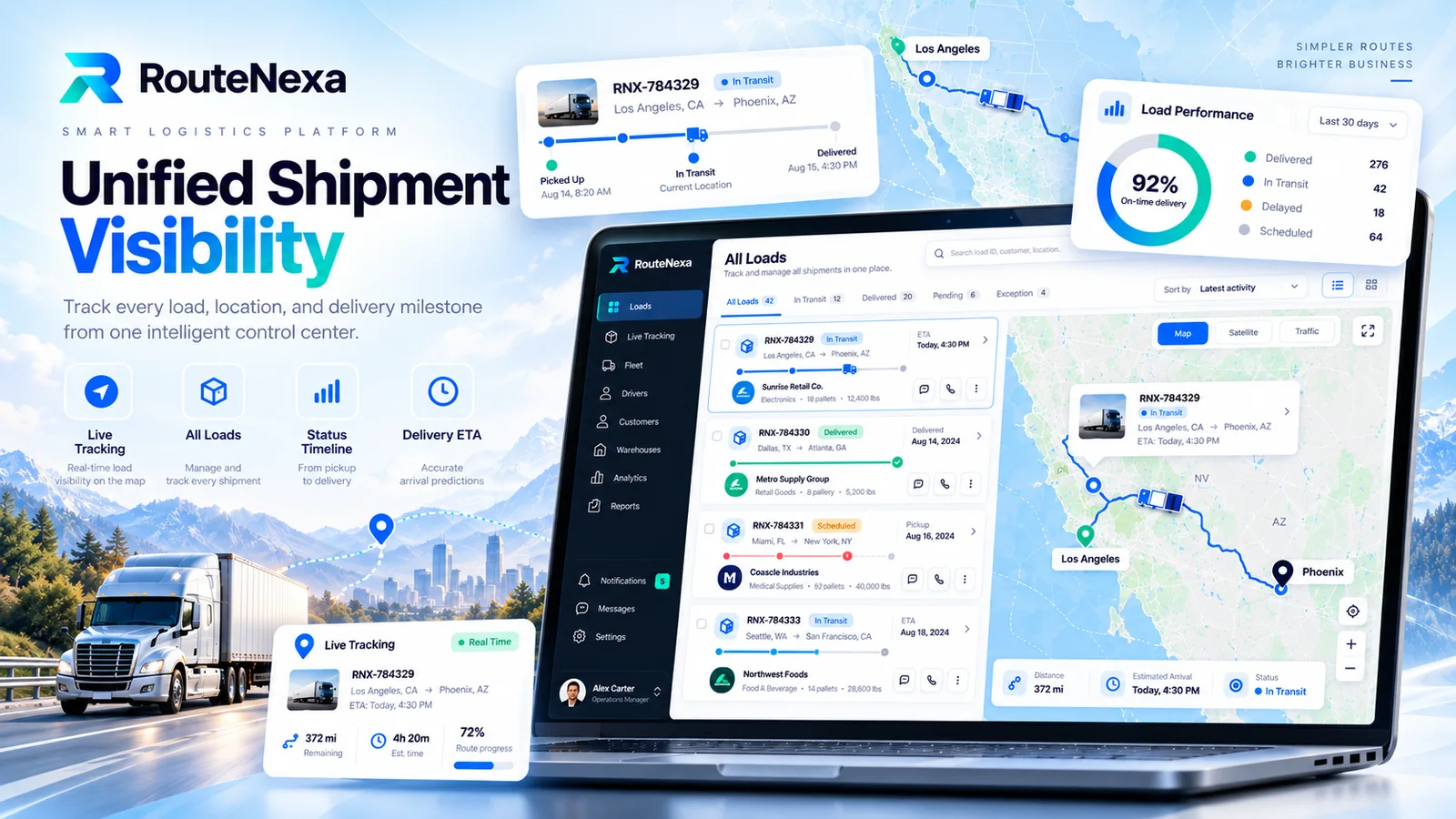
All loads sit in one list with tabs for in transit, delivered, pending and exceptions. Each load shows its route, customer, cargo and ETA, and opens on a live map with distance, estimated arrival and a pickup-to-delivery timeline.
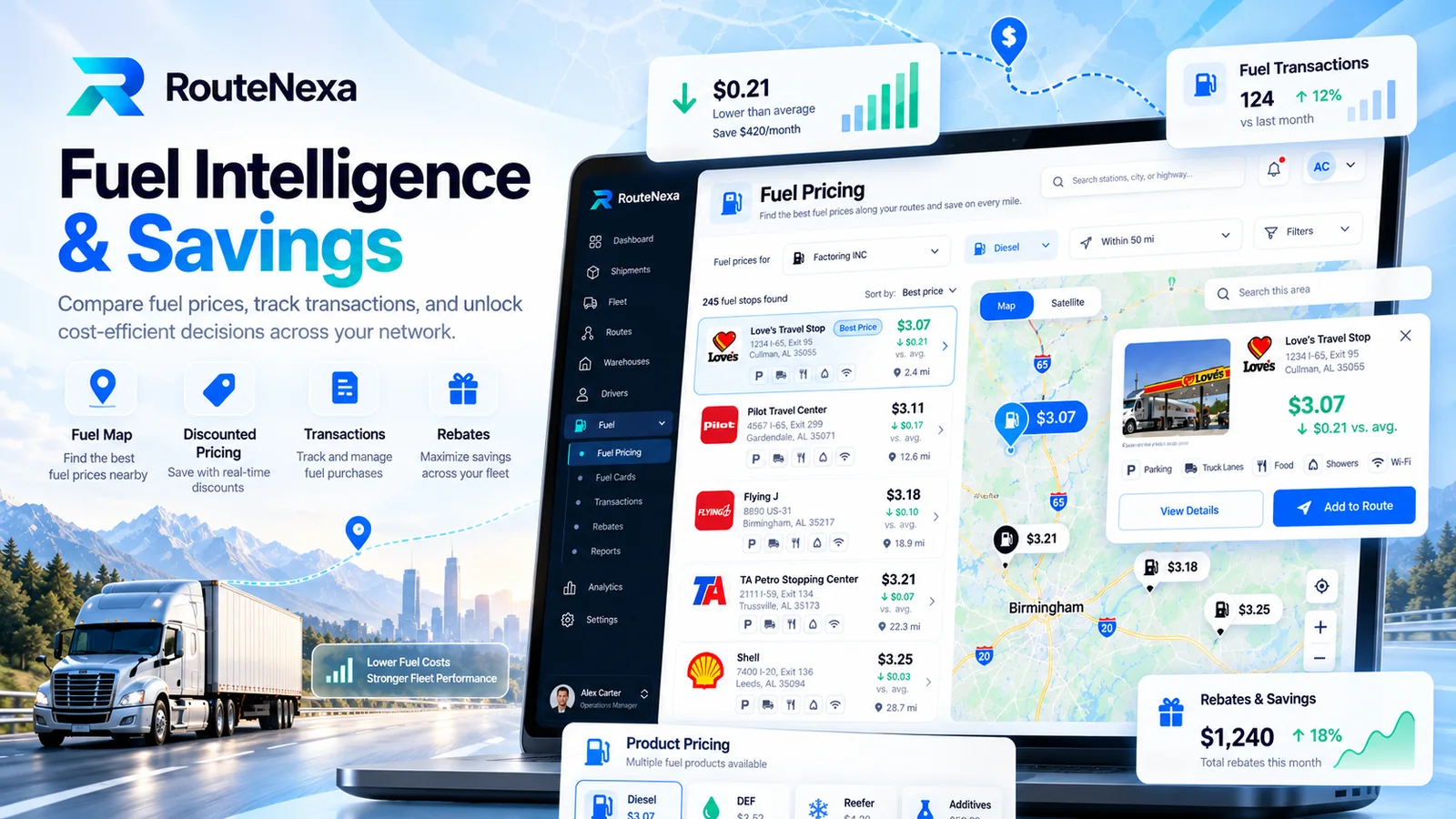
Fuel pricing lists nearby stops sorted by best price, with the saving against the average shown on each one. A stop can be added to the route in one tap, and fuel transactions, fuel cards and rebates are tracked in the same module.
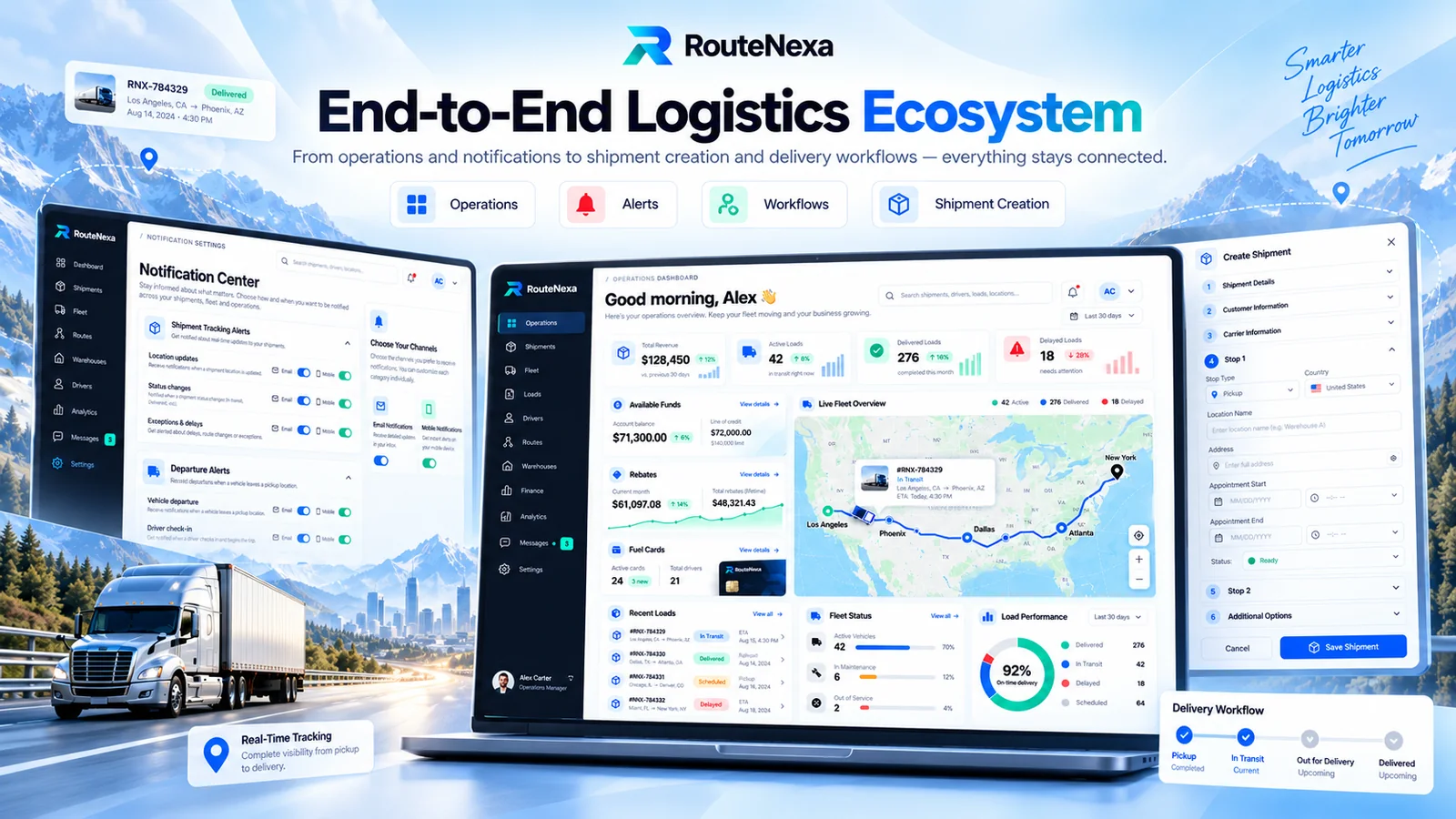
The operations dashboard brings revenue, active, delivered and delayed loads, available funds, rebates, fuel cards and fleet status together. New shipments are created step by step — shipment details, customer, carrier and multiple stops with appointment windows — and the notification center decides who hears about what.
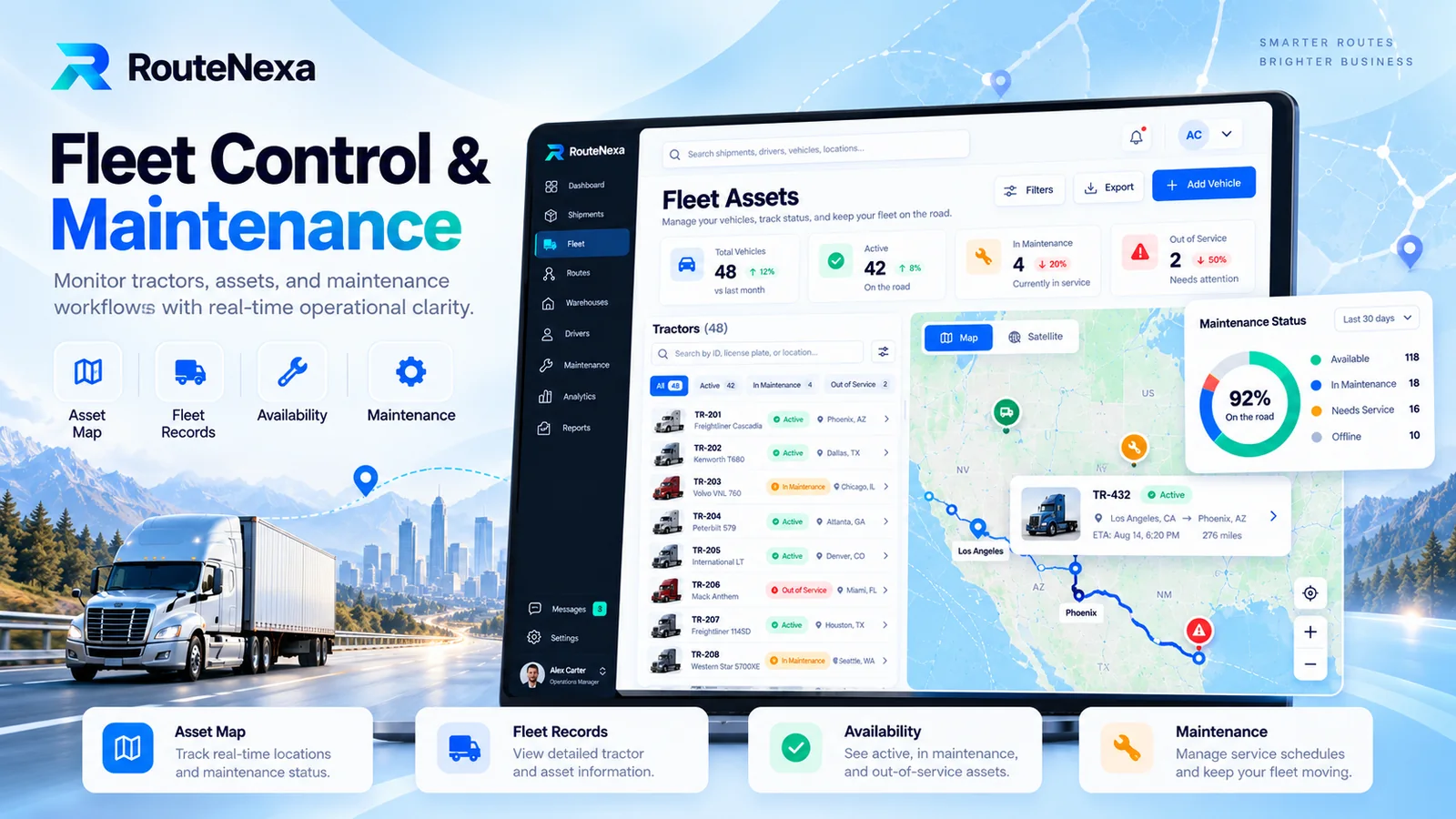
Fleet assets lists every tractor with make, model, location and status, and shows them on an asset map. Counters for active, in-maintenance and out-of-service vehicles keep the team ahead of breakdowns instead of reacting to them.
Free 30-minute consultation — honest scope, timeline and a fixed quote within 24 hours.